


















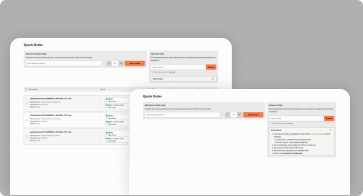
Quick Order
Add items to Quick Order
To add an item to your quick order form, search by keyword or item # then click on the item.
Upload an Order
Upload an Excel (.xls or .xlsx) or CSV (Comma-Separated Values) file to quickly add items to your cart.
Instructions
-
Create a spreadsheet or start with our
Download .xls file template with the following:- First column - add item #s or customer part #s.
- Second column - add quantities (optional).
- Column headings can be added in the first row (optional).
- Save the file in XLS, XLSX or CSV format.
- Select the file to upload and click Upload Order.
- There is a file maximum of 500 rows.